I spent about eight months toggling between Notion and ClickUp before I finally committed to one. During that time I missed deadlines because I forgot which tool had the task, built elaborate systems I never actually used, and read more “productivity system” blog posts than any person should. So this comparison is not theoretical. It comes from real frustration, real trial and error, and a genuine preference I have landed on.
If you are a solo freelancer trying to figure out the best project management tool for freelancers – not for a ten-person agency, not for a software team – this is written for you.
What each tool is actually trying to be
Before getting into the feature breakdown, it helps to understand what each product is built around, because they have genuinely different philosophies.
Notion is a workspace tool built around blocks – every paragraph, image, table, or to-do list is a block you can move, nest, and combine. The result is something closer to a digital notebook that can also function as a database. Notion for freelancers tends to work well because solo people often need a mix of writing space, reference material, and task management in one place rather than three separate apps.
ClickUp is a project management platform that has been adding features at an almost alarming pace. It started as a task manager and has grown to include docs, whiteboards, time tracking, goals, and a chat feature. The ClickUp free plan is genuinely generous by industry standards. But the tool is built for teams, and that shows in how it is organized.
The setup experience
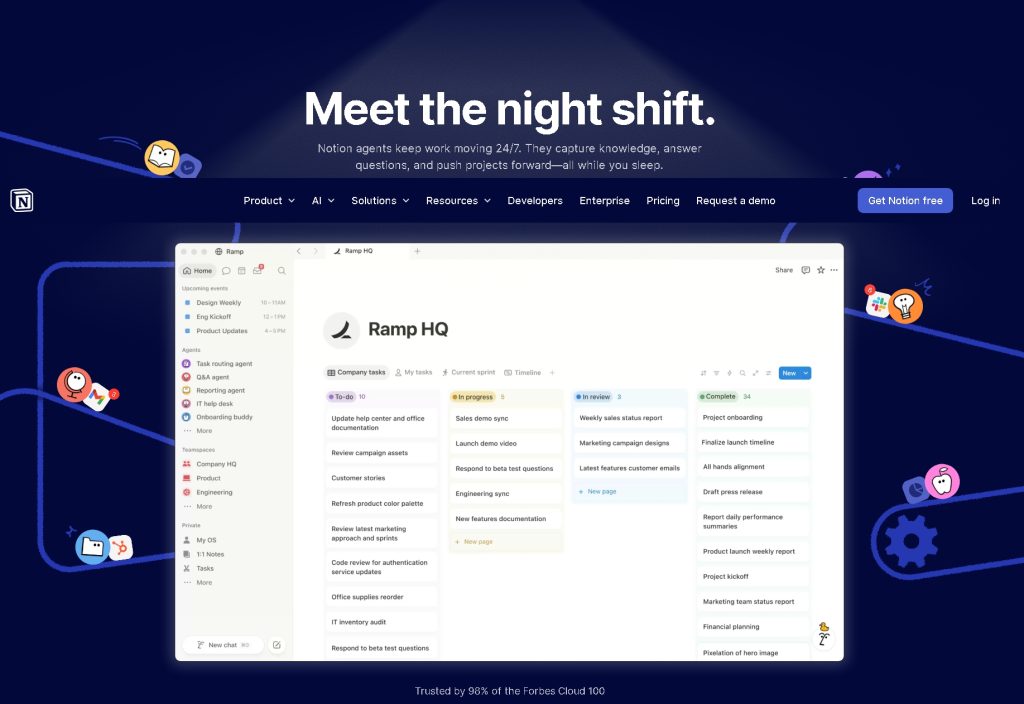
Getting started in Notion takes about twenty minutes before you have something useful. You either start with a blank page, use one of their templates, or import from another tool. The learning curve is real but not steep. Within a week, most people have a system that feels personal to them.
ClickUp onboarding is a different experience. The first time you open it, you are hit with a cascade of options – workspaces, spaces, folders, lists, tasks, subtasks. There is a hierarchy that makes sense for teams managing multiple projects across departments, but for a single freelancer tracking five client projects, it can feel like being handed a Swiss Army knife when you needed a pen.
This is not a knock on ClickUp’s design. It is a genuinely capable tool. But the setup overhead is higher, and if you lose momentum in the first few days, you will likely abandon it.
How task management actually works
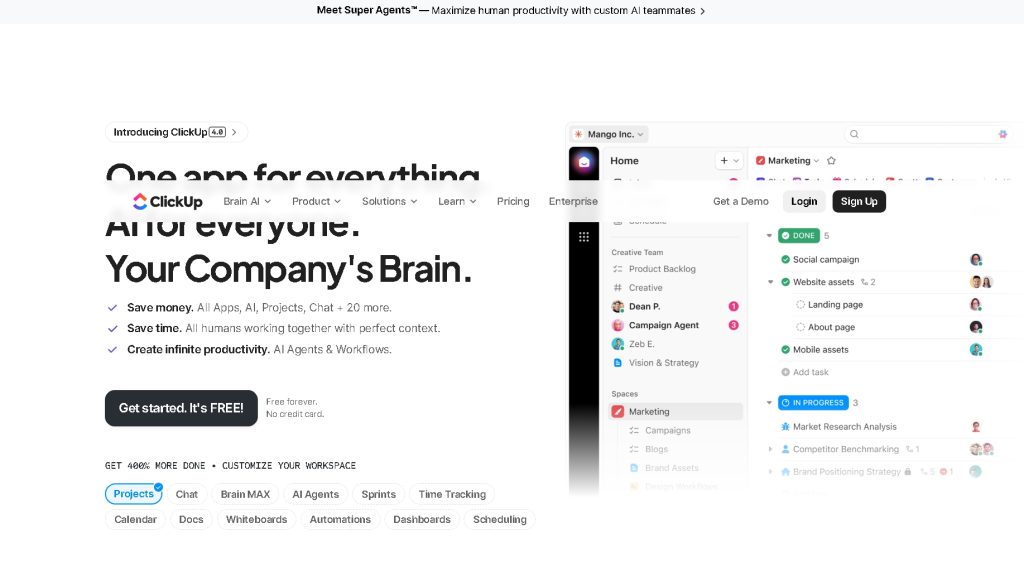
In ClickUp, tasks are the center of gravity. Every project lives in a list, every list in a folder, every folder in a space. You can view tasks as a list, board, Gantt chart, calendar, or timeline. For freelancers managing client deliverables with real deadlines, the calendar view alone is worth a lot. Dependencies, recurring tasks, and custom statuses all work well.
The ClickUp free plan includes unlimited tasks and unlimited members. You get capped on some features like storage and integrations on the free tier, but for a solo freelancer not running complex automations, it covers most of what you need.
Notion’s task management is functional but more manual. You build a database, set properties (due date, status, client name), and then create different views – table, board, calendar, gallery. The power is that the same database can run a client CRM, a project tracker, and a content calendar with almost no extra work. The limitation is that native task notifications and reminders have historically been weak, though Notion has improved here.
Writing and thinking space
This is where Notion separates itself clearly. If you write – proposals, content, reports, anything – Notion is a genuinely pleasant place to do it. The editor is clean, the formatting is simple, and you can link pages together so your whole freelance operation feels connected. Client notes sit next to the project tasks. Your proposal template lives one click from your client database.
ClickUp has a Docs feature, but it feels grafted on. It works, but the editing experience is not in the same league. If writing is a core part of how you work, ClickUp will frustrate you.
Quick comparison
| Feature | Notion | ClickUp |
|---|---|---|
| Free plan | Yes (generous for personal use) | Yes (very generous, unlimited tasks) |
| Task management | Database-based, manual setup | Native, feature-rich out of the box |
| Calendar view | Yes (via database view) | Yes (dedicated calendar view) |
| Time tracking | Via third-party integrations | Built-in on paid plans |
| Writing/docs | Excellent | Functional but basic |
| Templates | Large library, community-made | Large built-in library |
| Learning curve | Medium | Medium-high |
| Mobile app | Good | Good |
| Automation | Limited on free tier | More robust, even on free tier |
| Best for | Freelancers who think in documents | Freelancers who think in tasks |
Price when you actually need to upgrade
Notion’s paid plan starts at $10/month per member (billed annually). For a solo user that unlocks unlimited file uploads, version history, and synced databases.
ClickUp’s paid tier starts at $7/month per member (billed annually). The jump from free to paid gives you unlimited storage, more integrations, and dashboards.
Neither tool will break the bank. Cost should not be your deciding factor.
Who should pick which
Pick Notion if:
– You do a lot of writing as part of your work (content, copywriting, consulting)
– You want one place for notes, client info, and tasks rather than a dedicated task manager
– You enjoy building systems and are comfortable with some initial setup
– You find heavily structured software exhausting
Pick ClickUp if:
– You manage many client projects with hard deadlines and need reliable task views
– You want time tracking built in without adding another app
– You like granular control over task statuses and priorities
– You have tried Notion and found it too freeform for how you work
– You might bring on a subcontractor down the line – ClickUp scales better for small teams
The part nobody talks about: consistency
The best project management tool for freelancers is the one you will actually open every day. Both tools require habit. Neither one will organize your work for you if you stop checking it.
In my experience, Notion is easier to come back to after a few days off because it doubles as a place you write and think, not just a task list. ClickUp can start to feel like a chore when you are the only one in the workspace – because it was built with collaboration in mind, and that shows.
My actual take
After using both seriously, I use Notion. Not because ClickUp is bad – it is a powerful piece of software – but because my work involves a lot of writing, note-taking, and thinking in documents. Having tasks live in the same place as my client notes and draft proposals is worth more to me than a better Gantt chart.
That said, I have recommended ClickUp to freelancers who run tight, deadline-driven operations – people juggling eight client projects, tracking hours for billing, and needing a calendar that tells them exactly where they stand on every deliverable. For those people, ClickUp’s structure is a feature, not a problem.
If you are on the fence: sign up for Notion’s free plan and spend two weeks using it on a real project. If you find yourself fighting the tool or wishing for more structure, switch to ClickUp. The ClickUp free plan is generous enough that you can test it properly without paying anything.
Stop reading comparisons and start using one. You will know within two weeks which one fits how your brain works.
Which one are you using? Drop a comment below – I’m curious how other freelancers landed on their choice.